Bilibili App: What Is It, Features, Download Guide, Safety & Availability in India
0
0



What’s Inside’
AI website builders have been in the market for a while now, but they weren’t that great. You’d answer five questions, get a site that looked like every other site, and spend three hours fixing it anyway. The time-save wasn’t real.
That’s changed. According to the recent reports, building with AI in 2025–2026 cuts average build time from 32 hours to 4 hours, an 87% reduction. The output is no longer template-adjacent. It’s genuinely custom: layout, copy, images, mobile-ready, SEO-structured. All from a conversation.
The reason? The category has split in two: traditional marketing-site builders (Wix, Squarespace, Framer) and full-stack application builders (Lovable, Bolt.new, v0). Knowing which lane you’re in saves you a lot of frustration.
In plain English
First-gen AI builders generated templates with placeholder text. Today’s builders write real copy for your specific industry, design around your brand’s personality, and handle SEO automatically. You’re starting from 80% done, not 0%.
Here’s what’s actually happening when you type a prompt and a site appears. These tools connect to a large language model (LLM), like Claude, GPT-4, or Gemini, and pass your description through a system that matches it to design patterns, page structures, and content frameworks trained on millions of high-performing websites.
The pipeline looks roughly like this:
The AI reads your prompt and extracts what kind of site you need, who it’s for, and what actions visitors should take. “A portfolio for a freelance UX designer” tells it audience, purpose, and tone all at once.
It builds a sitemap and page hierarchy, which pages exist, how they link, what sections each page needs. This is where the layout logic lives.
Instead of “Lorem ipsum,” advanced builders generate real headlines, descriptions, and calls-to-action tailored to your industry and tone. This is what used to take a copywriter days.
Color scheme, typography, spacing, and imagery get assembled. Then depending on the platform, it auto-deploys to a live URL with hosting included. Some do this in under 60 seconds.
What AI handles well vs. not
AI is excellent at layouts, copy, meta descriptions, image alt text, and mobile responsiveness. It struggles with custom logic, real-time data processing, and enterprise security requirements. For a business website or portfolio, it’s more than enough.
We’re cutting through the 20-tool listicles. These are the four that actually survived real testing in 2026, each for a different type of person.
Wix AI (Harmony) [Best overall]
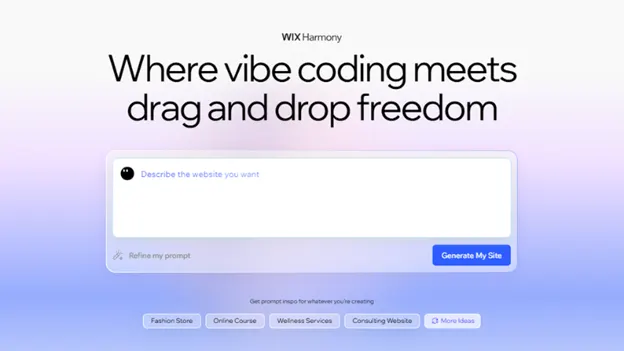
The most comprehensive AI feature set available. Conversational onboarding adapts to your answers, generating a genuinely customized site, not just a shortcut to templates. Strong business tools, marketing automation, 800+ templates as a fallback, and an AI SEO assistant built in. Works just as well on mobile as desktop.
wix.com Free plan available · Paid from $17/mo
Hostinger AI Builder [Best budget]
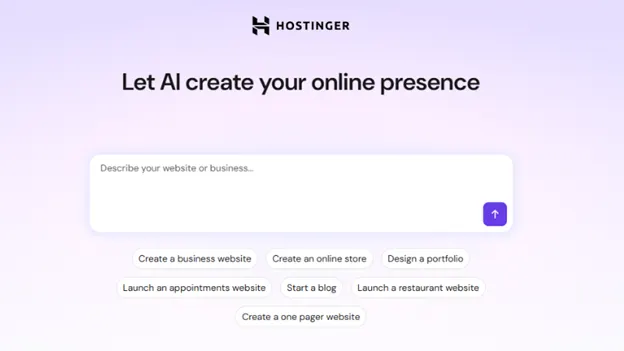
Generates complete websites in under 60 seconds, and that benchmark is real. Add your business name, describe what you do, and it builds the whole thing including a professional video start page. It won’t satisfy power users, but for a quick portfolio or local business site, nothing is faster or cheaper.
hostinger.com No free plan · From $2.99/mo with hosting included
Framer AI [Best design quality]
Editorial-quality typography, confident whitespace, and image handling that makes even average photos look intentional. If your brand is your competitive advantage, this is where the visual gap between AI-built and agency-built closes completely. Higher learning curve, but the ceiling is the highest.
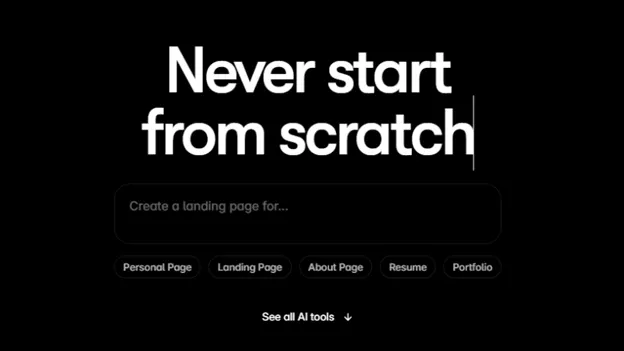
framer.com Free for 1 site · Pro from $15/mo
Lovable [Best for apps]
Not a marketing site builder. This is for when you need a web app, user authentication, databases, payments, logic. At $75M ARR and 30,000+ paying users, it’s proved that non-technical people can ship production-ready applications by describing what they want. Expect to iterate (avg. 28 prompts per project), but what you get is real software.
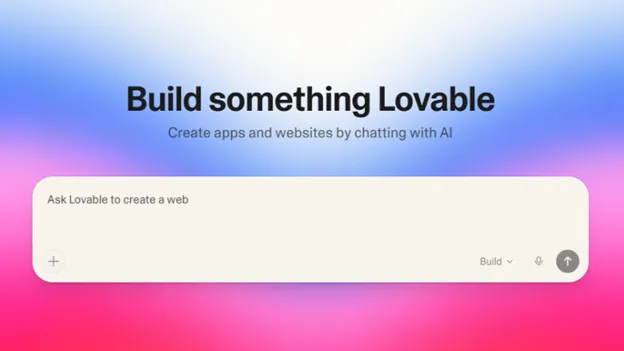
Lovable.dev Free plan · Paid from $25/mo
Let’s be specific here because “free” gets thrown around loosely. Here’s what you’re actually getting:
| Tool | Free tier | What’s limited | Catch |
| Wix | Yes | Wix subdomain, ads shown | No custom domain on free |
| Framer | Yes (1 site) | Framer subdomain | Limited pages |
| Durable | Yes | durable.site subdomain | No e-commerce on free |
| Lovable | Yes | Limited prompts/month | Good for prototyping only |
| Hostinger | No | Free trial only | Cheapest paid at $2.99/mo |
| Webflow | Yes (2 projects) | Webflow subdomain, no CMS publish | Steep learning curve |
Practical advice
If you’re testing whether AI builders work for you, start with Wix or Durable’s free tier. Build a real site (not a dummy). Publish it. Use it for a week. Then upgrade if it’s doing something useful, don’t pay before you’ve validated the concept.
The phrase “no code” means the platform hides the code from you, not that there’s no code. The AI generates clean HTML, CSS, and JavaScript (or React) under the hood. Some platforms let you export and host it elsewhere. Others lock you in to their ecosystem. Know which you’re dealing with before you commit months of content to a platform.
No-code AI builders are genuinely perfect for: freelancers, consultants, local businesses, creators launching a newsletter or course, and early-stage startups that need a presence while the product is still being built. They’re not great for complex SaaS products, e-commerce at serious scale, or anything that requires custom backend logic, for those, look at Lovable or Replit.
This is where most people get it wrong. Vague prompts produce generic results. Specific prompts that include your industry, target audience, desired features, and brand personality generate sites that actually fit your needs. That’s not a theory, it’s the mechanic.
Here’s the prompt structure that works. Think of it as filling in four fields:
Prompt template
Create a website for [what you do] targeting [who your customer is]. The tone should be [adjective, adjective]. I need pages for [list your pages]. The main action I want visitors to take is [your CTA]. The color palette should feel [mood/aesthetic].
In practice, that looks like this:
Real example prompt
Create a website for a freelance brand strategist targeting B2B SaaS startups raising their Series A. The tone should be confident and sharp, not corporate. I need pages for Home, Work, About, and Contact. The main CTA is a 30-minute discovery call booking. The palette should feel editorial, dark, minimal, with one warm accent color.
Pro tip:
After the initial generation, don’t rebuild, iterate. Type follow-up instructions the same way you’d give feedback to a designer: “Make the hero section less cluttered,” “Move the testimonials above the pricing,” “Rewrite the About page to be first-person.” Each follow-up prompt refines your site. Expect 10–20 iterations before you’re done, and that’s normal.
Most AI builders auto-generate meta titles and descriptions. They’re passable, not optimized. Spend 20 minutes after launch doing this manually: meta titles under 150 characters including your primary keyword, alt text on every image (the AI usually handles this), and one internal link on each page pointing somewhere useful. That’s it. You don’t need an SEO audit at this stage, you need the basics done right.
You’re a business owner or freelancer who needs a site now → Hostinger or Wix. You’re a designer or creative agency → Framer. If building something with logic, users, and data → Lovable. You want to try before spending anything → Durable or Wix free tier. The era of paying £2,000 to a web agency for a five-page site is over. The tools are ready. The only question is whether you are.
Here’s the real takeaway from this whole guide. The tool matters less than you think. What separates someone who gets a generic AI site from someone who launches something they’re proud of is how they describe what they want. Prompting is a learnable skill. The more specific and structured your input, the closer the output is to your vision on the first pass.
Practice it. Use the template above. Iterate without fear. And if you’re curious what else AI can do for your online presence beyond the website itself.

Log in to support this story.
New here? Create an account


Discussion · 0 Comments
No comments yet — be the first to share your thoughts.