
The Effects of Night shifts
0
0


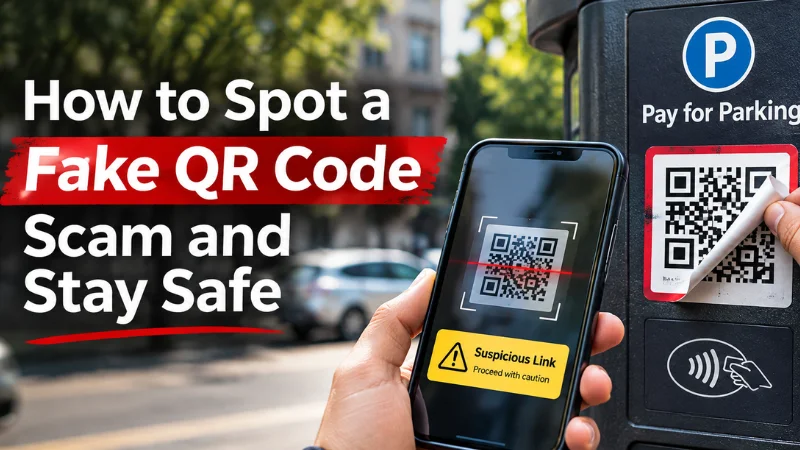
QR codes are everywhere these days. You see them at restaurants, parking meters, shopping stores, and even on delivery packages. They make everyday tasks easier, but there’s a growing concern: what happens if the QR code you’re scanning is fake?
Scammers are using fraudulent QR codes to redirect people to websites designed to steal money, passwords, and personal information. These scams can be difficult to recognize because the QR codes often look identical to legitimate ones.
To spot a fake QR code, check its source, preview the website address before opening it, and avoid unexpected requests for sensitive information. If a QR code looks suspicious or directs you to an unfamiliar website, verify it through the organization’s official website or app.
Here’s how fake QR code scams work, the warning signs to watch for, and what to do if you’ve already scanned one.
A fake QR code scam occurs when someone uses a QR code to direct users to a fraudulent website, payment page, or potentially harmful download.
QR stands for Quick Response. These codes store information, often a website address, that smartphones can read using their cameras.
The technology itself isn’t dangerous. The problem is that you can’t identify a QR code’s destination simply by looking at its black-and-white pattern.
Imagine parking your car and finding a QR code on the payment meter. You scan it, enter your credit card details, and assume you’ve paid for parking. Unfortunately, the code may have taken you to a fake payment website controlled by scammers.
This is not just a hypothetical concern. On September 3, 2026, the US Federal Trade Commission (FTC) warned consumers about fraudulent QR codes placed over legitimate parking payment codes.
QR code phishing scams are also known as quishing, a combination of QR codes and phishing.
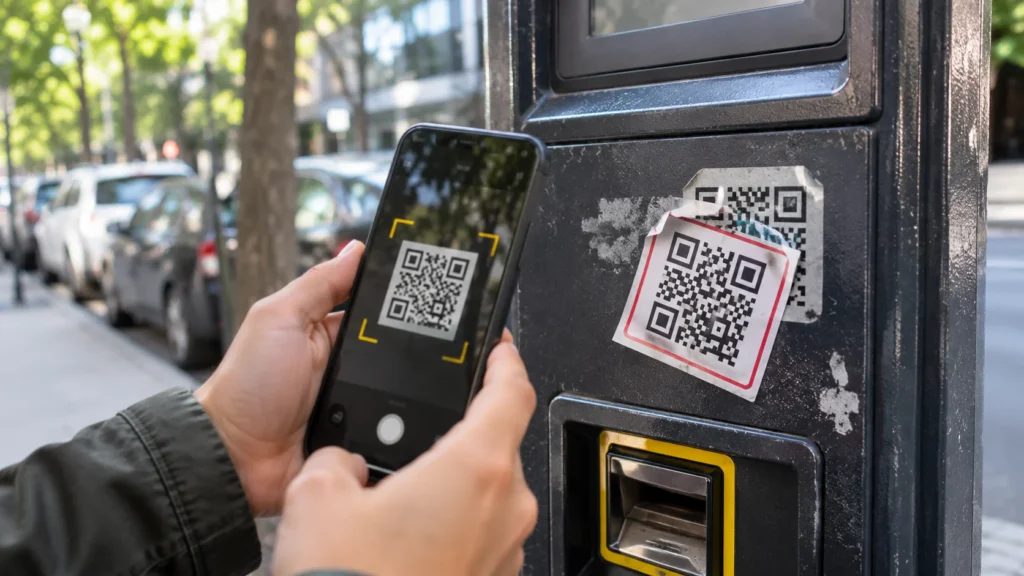
QR code scams often take advantage of people’s trust in familiar locations and routine activities.
A scammer first creates a QR code that directs users to a fraudulent website. They might attach it to a parking meter, place it on a public notice, or include it in an unexpected email or package.
When someone scans the code, their smartphone displays a link. If they open it, the website may imitate a legitimate business, delivery company, or payment provider.
The fraudulent page might then ask for login credentials, banking information, or credit card details. In other cases, scammers try to convince users to download malicious software.
The important thing to understand is that scanning a QR code doesn’t automatically mean your phone has been hacked. The risk depends on the destination, the security of your device, and what actions you take afterward.
Not every fake QR code is easy to identify. However, certain warning signs can help you recognize a suspicious code before opening its link.
If you’re scanning a QR code at a parking meter, restaurant, or public payment machine, look at how it’s attached.
Does it appear to be a sticker covering an original code? Are its edges loose or noticeably different from the surrounding sign?
Scammers sometimes place fraudulent QR code stickers over legitimate ones.
A sticker isn’t necessarily evidence of fraud, but an unfamiliar or poorly attached code is a good reason to use another payment method.
Most smartphones allow you to preview a QR code’s destination before opening it.
Take a moment to inspect the URL.
Look for misspelled business names, unusual domain extensions, additional words, or website addresses that don’t match the company you’re dealing with.
For example, a fake website may use a name resembling a legitimate parking provider while directing you to an unrelated domain.
Remember that HTTPS and the padlock symbol alone don’t guarantee a website is legitimate. Fraudulent websites can also use encrypted connections.
Be cautious if scanning a QR code immediately leads to a page requesting sensitive details.
This could include banking passwords, Social Security numbers, account credentials, or payment information unrelated to the task you intended to complete.
Legitimate services sometimes require personal information, but you should verify that the website belongs to the organization before submitting anything.
Scammers often use threatening or urgent language to pressure people into acting quickly.
You might see messages such as:
These messages don’t automatically indicate fraud, but unexpected urgency is a reason to investigate.
Instead of scanning the supplied code, visit the organization’s official website or contact it directly.
Receiving a package you didn’t order can be confusing, especially if it contains a QR code asking you to scan it for information about the sender.
On July 31, 2025, the FBI warned about unsolicited packages containing QR codes that could be used to obtain sensitive information or facilitate malware attacks.
If you receive an unexpected package, avoid scanning unfamiliar codes simply to identify who sent it.
Be careful when a QR code redirects you to a website requesting that you install unfamiliar software.
A malicious website might claim the app is necessary to complete a payment, access a menu, or verify your identity.
Don’t install software from an unfamiliar website without confirming its legitimacy.
If you need an app, find the official provider through a trusted source rather than relying on an unexpected QR code link.
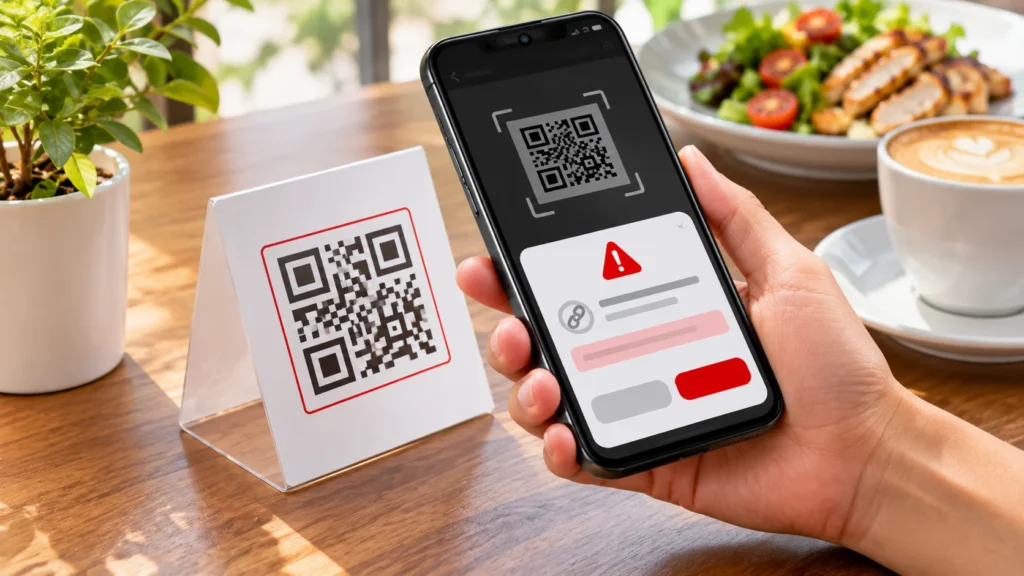
Scammers can exploit situations where people are accustomed to scanning QR codes quickly.
| Location | Potential scam |
|---|---|
| Parking meters | Fake parking payment websites |
| Restaurant tables | Fraudulent menu or payment pages |
| Delivery messages | Fake package tracking or redelivery links |
| Unexpected packages | QR codes leading to malicious websites |
| Public posters | Fraudulent registration or payment forms |
| Emails and text messages | Fake account verification requests |
These are possible scam scenarios, not proof that QR codes in these locations are generally unsafe.
The safest approach is to verify the source and destination whenever a QR code seems unusual.
The consequences depend on what happens after scanning.
If you scan a suspicious QR code but don’t open its link, the immediate risk is generally limited.
If you open the website without entering information or downloading anything, you may have avoided the scam’s main objective. However, visiting malicious websites isn’t completely risk-free, especially on devices with outdated software.
If you enter your password, scammers may attempt to access your account.
If you provide banking or credit card details, they could attempt unauthorized transactions.
Installing malicious software or granting dangerous permissions may expose your device to additional security risks.
The key is to identify what information you shared and respond accordingly.
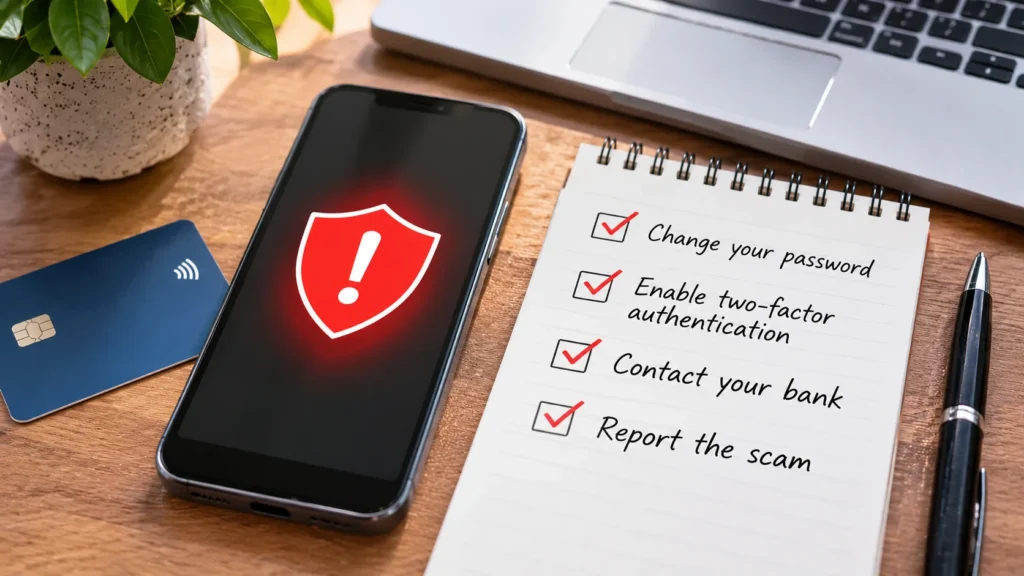
If you believe you’ve interacted with a fraudulent QR code, taking prompt action can help reduce potential harm.
Close the suspicious website. Stop interacting with the page and avoid downloading anything it recommends.
Change your password. If you entered login credentials, go directly to the legitimate service and update your password. Change it anywhere else you’ve reused it.
Enable two-factor authentication. Adding another verification step can help protect your accounts against unauthorized access.
Contact your bank. If you entered payment information or transferred money, report the situation through your bank’s official contact channels.
Check your device. Look for unfamiliar applications, remove suspicious downloads, and install available security updates. Seek professional assistance if you suspect malware.
Report the incident. US consumers can report suspected scams through ReportFraud.ftc.gov. If you suspect identity theft, visit IdentityTheft.gov for recovery guidance.
The sooner you respond to compromised account or payment information, the better your opportunity to limit additional damage.
You don’t need to stop using QR codes completely. They’re convenient and often perfectly legitimate.
A few simple habits can help you use them more safely.
Before scanning a public QR code, inspect the surrounding sign or surface for signs of tampering.
Preview the destination URL before opening it, and avoid unfamiliar links that don’t match the organization you’re expecting.
When a QR code appears in an unexpected message, verify the request through the company’s official website or app.
Keep your smartphone and applications updated, use unique passwords, and enable multifactor authentication on important accounts.
Whenever possible, use trusted payment applications or official websites rather than unfamiliar QR-linked payment pages.
These precautions also protect against other phishing techniques. For example, scammers may impersonate trusted businesses over the phone, as explained in RethinkTrends’ article on voice phishing and how it works.
A fake QR code can direct your phone to a malicious website or encourage you to download harmful software. However, scanning a code alone doesn’t automatically mean your device has been compromised. The level of risk depends on the destination, device vulnerabilities, and subsequent actions.
Preview its website address before opening it. Look for unusual spellings, unfamiliar domains, or unexpected requests for sensitive information. If you’re uncertain, visit the organization’s official website directly.
If you only scanned the code and didn’t open the link, download files, or share information, the immediate risk is generally low. Avoid opening the suspicious destination and keep your device updated.
Yes. Fake QR codes can lead to fraudulent payment websites or requests that trick people into sending money. Always verify the payment provider and recipient before authorizing a transaction.
QR codes make everyday activities easier, whether you’re paying for parking, opening a restaurant menu, or accessing information on your phone.
Unfortunately, scammers can misuse that convenience to direct people toward fraudulent websites and payment requests.
Learning how to spot a fake QR code doesn’t require advanced technical knowledge. It starts with checking the source, reviewing the destination, and questioning unexpected requests for sensitive information.
Remember that a suspicious-looking QR code isn’t always fraudulent, and a professional-looking website isn’t automatically trustworthy.
When you’re unsure, avoid the shortcut and reach the organization through an official channel.
A few seconds of verification can help protect your money, accounts, and personal information.

Log in to support this story.
New here? Create an account


Discussion · 0 Comments
No comments yet — be the first to share your thoughts.